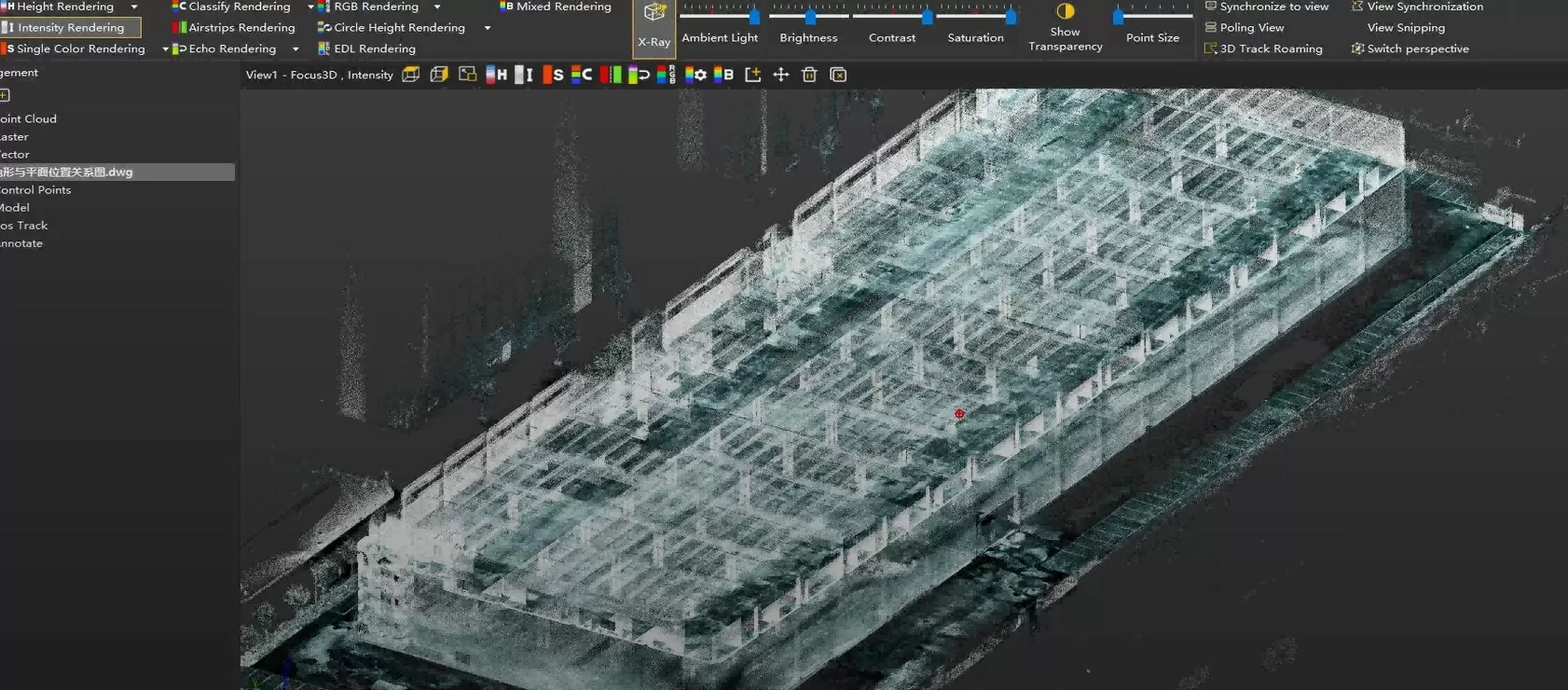
A field-to-office workflow for capturing two factory floors, fusing SLAM projects, and verifying as-built conditions against CAD drawings.
2
FLOORS
~40 min
PER FLOOR
~30 min
PROCESSING
~9,110 m²
MEASURED AREA
Capture large factory spaces faster and compare as-built conditions with CAD drawings in a visual, data-supported workflow.
Manual spot checks cannot explain the whole factory
The project required a faster way to document two floors, review key structural features, and compare the as-built condition with the original CAD drawing.
01
LARGE SPACES ARE HARD TO VERIFY MANUALLY
Spot measurements confirm selected locations, but they provide limited context for building boundaries, floor relationships, and structural grids.
02
3D POINT CLOUD DATA ADDS VISUAL CONTEXT
A measurable point cloud lets teams inspect the factory from plan, perspective, and section views.
03
CAD COMPARISON SUPPORTS POST- CONSTRUCTION REVIEW
Overlaying point cloud and CAD data helps reviewers understand whether major features visually align with design intent.
Capture -> Process -> Verify
SL9 SLAM RTK and Sat-LiDAR create a practical field-to-office workflow for visual as-built review.
Capture
HANDHELD MOBILE SCANNING
First and second floors captured as separate SLAM projects.
>
Process
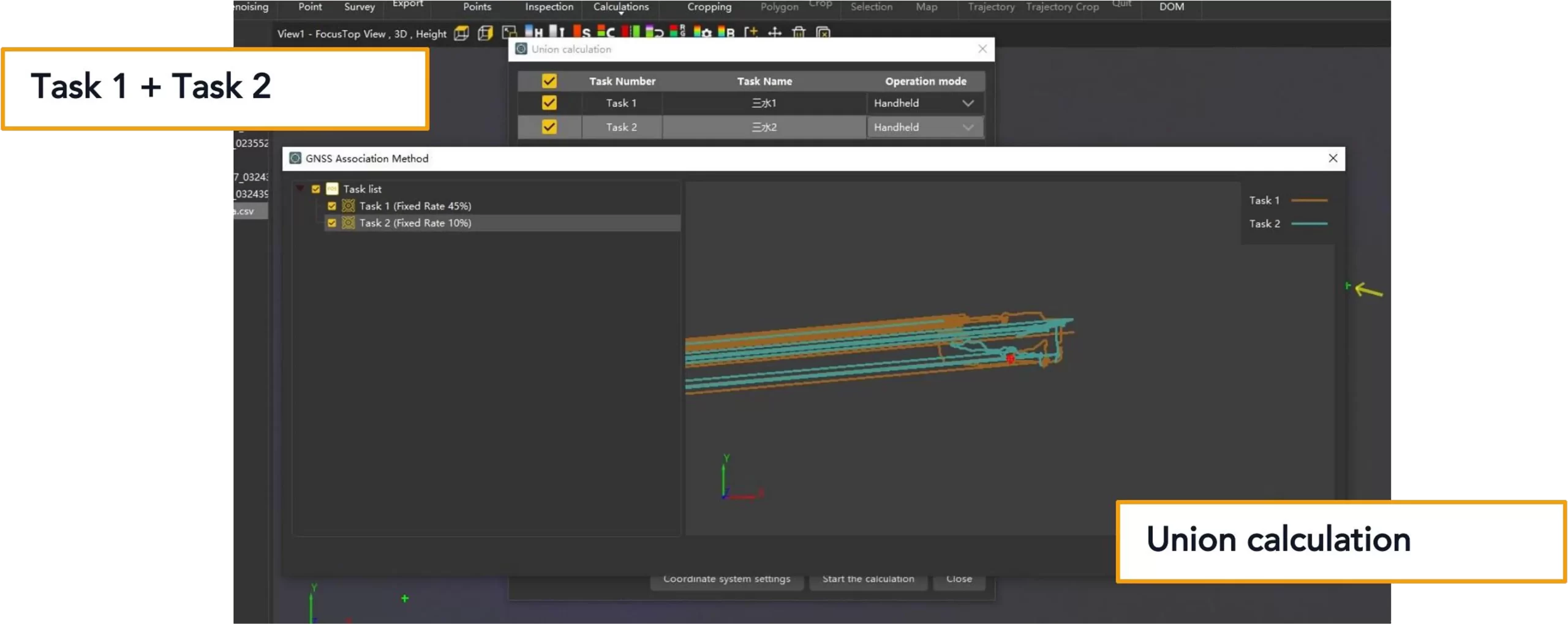
Sat-LiDAR UNION CALCULATION
Two scan projects fused into a unified point cloud result.
>
Verify
CAD OVERLAY REVIEW
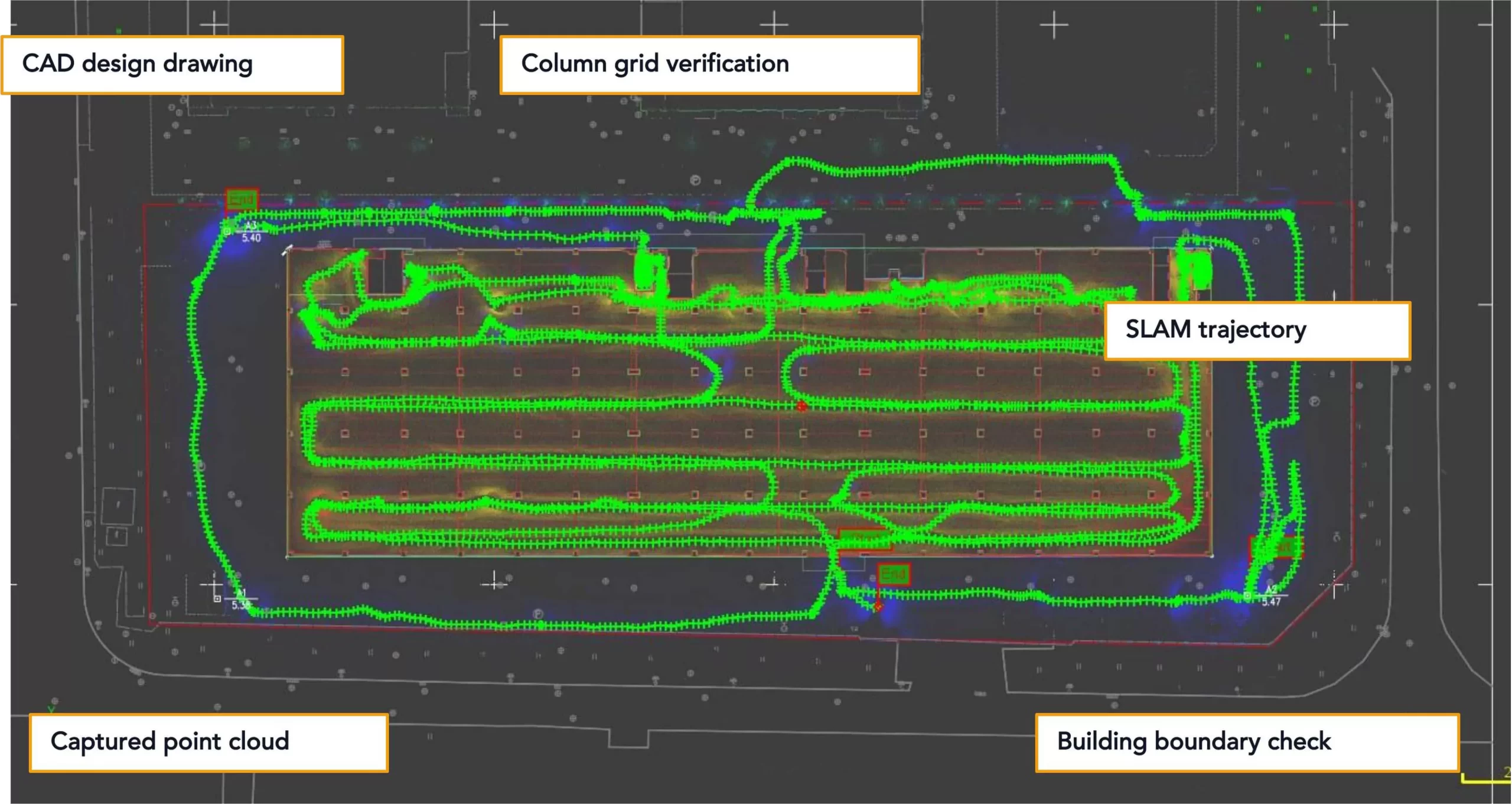
Point cloud overlaid with CAD drawing for visual structural review.
Fixed Rate values shown in the software are process references and are not a final accuracy report.
The two-floor capture reached an initial fused result in about 110 minutes.
Project numbers are reported as workflow and visual-review evidence, not as formal numerical acceptance data.
~80 min
TOTAL FIELD SCANNING
Two floors combined
~40 min
FIELD SCANNING PER FLOOR
First and second floor
~30 min
Sat-LiDAR PROCESSING
Union calculation and point cloud processing
~110 min
INITIAL RESULT TIME
Scanning to fused point cloud
~9,110 m²
MEASURED HORIZONTAL PROJECT AREA
Software screenshot: 9110.264 m²
~193.338 m
MAXIMUM PROJECT-POINT SPAN
Based on five extracted project points
Actual processing time may vary depending on project size, software version, computer configuration, point density, and processing settings.
The fused point cloud was overlaid with CAD for visual structural review.
The team reviewed the building boundary, internal column grid, stair zone, floor relationship, and major structural features.
Accuracy note
This case demonstrates visual CAD alignment and structural review. It does not replace a formal control-point accuracy report when numerical acceptance is required.
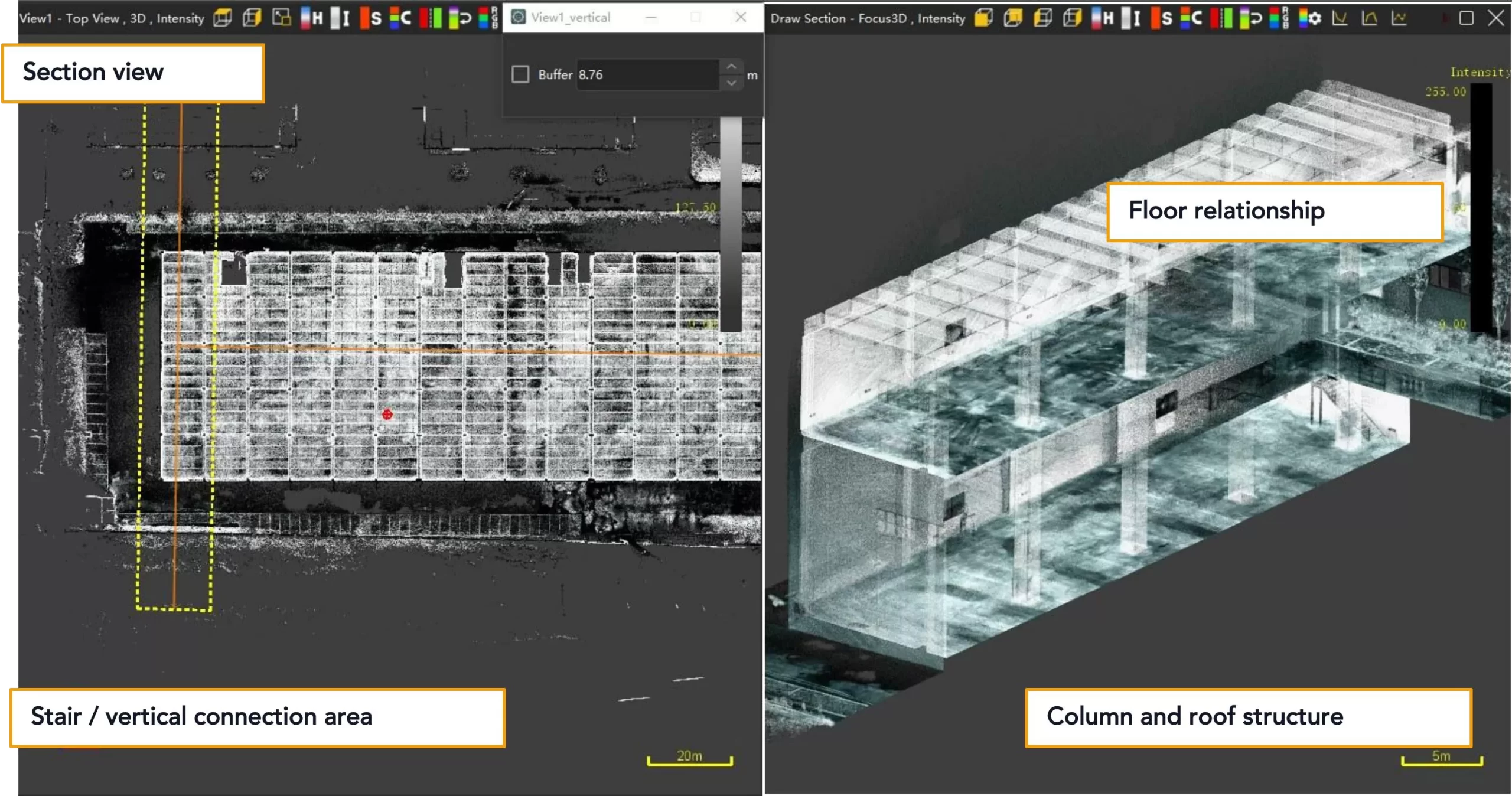
Section views help reviewers understand floor relationship and vertical connections.
The point cloud can be reviewed beyond plan overlay, including columns, roof structure, floor relationship, and stair areas.
Visual as-built review makes project evidence easier to discuss across survey, construction, renovation, and BIM preparation teams.
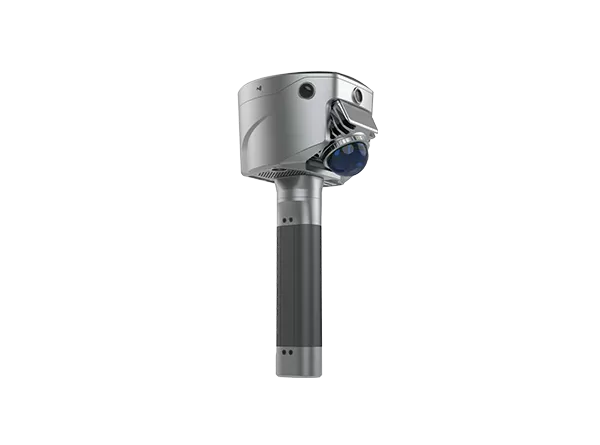
SL9 supports faster capture, project fusion, and clearer CAD review.
The value is practical: shorten field documentation, fuse separated SLAM tasks, and communicate as-built conditions visually
Fast
FAST FIELD CAPTURE
A two-floor factory was captured in approximately 80 minutes, reducing reliance on manual spot checks.
Fuse
MULTI-PROJECT FUSION
Two separate SLAM scan projects
were processed in Sat-LiDAR using union calculation to generate a unified point cloud result.
Verify
VISUAL CAD VERIFICATION
The final point cloud was overlaid
with the CAD drawing, making as- built review easier to understand and communicate.
Recommended applications
Factory survey teams can use this workflow wherever fast visual documentation and CAD comparison are needed.
Factory as-built survey
Construction verification
Renovation and retrofit survey
Digital facility documentation
BIM-ready data preparation
Want to see how SLAM RTK——SL9 can support your as-built survey workflow? Contact us for a demo or sample dataset at info@satlabgeo.com.